
Every time I see a new tool promising to bring all your different data into one place, I think back to a conversation I had years ago with a frustrated sales manager. “Why does it take three days to see new payments show up on our dashboard?” he asked. He had a fair point. The answer, I realized, was buried in the difference between old and new approaches to data movement. Today, if someone told me they were still waiting overnight for data to sync, I’d ask: Have you tried using webhooks?
What actually is a webhook?
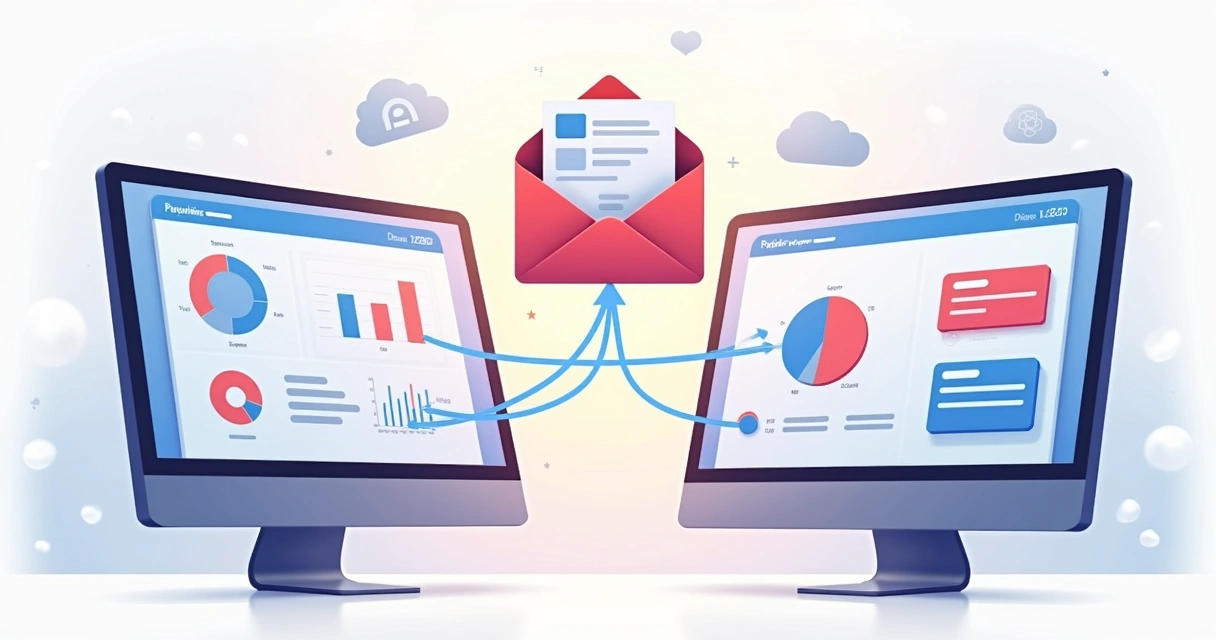
In simple terms, a webhook is like a digital messenger running between your apps, alerting one system instantly when something changes in another. The best way I can explain it is with a real-world example: Think about notifications on your phone. When someone sends you a message, you get a push notification in real time, instead of you constantly refreshing your inbox to check for new messages. A similar thing happens with data when webhooks are involved. They drive this “event-driven” flow.
To really see how this matters, compare webhooks with the old-school method: API polling. With polling, one app has to repeatedly ask another, “Has anything changed? How about now? Now?” It’s noisy, slow, and uses more resources than it should. With webhooks, the source just sends a signal the moment something interesting happens—no endless checking in required.
Why event-driven integration matters now
The more I work with teams who rely on multiple platforms—payment processors, CRMs, ticketing systems—I realize the true headache comes from getting these platforms to talk to each other right when you need them to. With event-driven integration, data flows instantly and triggers actions without needing manual effort or waiting for a scheduled sync. This simple speed boost helps you build real-time dashboards, automate reporting, or even just keep everyone on the same page without sending a bunch of emails.
Organizations like those featured in the USGS Community for Data Integration 2020 Annual Report have shown how webhooks help create much faster, more accurate data handoffs between applications, so teams can act on up-to-date information without custom code or developer intervention.
How webhooks really work in practice
When I set up my first webhook, I was surprised at how low-tech it felt. All you’re really doing is telling one system, “When this happens, let the other system know by sending some data to this address.” The system that sends the data is sometimes called the “sender,” and the one receiving is—well, you get the idea.
Here’s a scenario I see everywhere: You’re running a subscription-based business. You want your CRM or dashboard to reflect every new payment, refund, or failed charge that happens. Instead of exporting spreadsheets or waiting for nightly syncs, you just wire up your payment provider to send a small packet of data whenever there’s a new transaction. Voilà—your dashboard lights up with new info the moment it’s available.
Some typical uses I’ve encountered
- Payment processors: Each time a customer pays, updates posts automatically to your accounting tool or dashboard.
- Issue tracking and support: When a ticket status changes, it appears in your reporting system or dashboard, helping your team react fast.
- Continuous integration: As soon as code passes or fails a build, a notification or status update appears somewhere central, like a team chat or a release board.
- Collaboration and project management: Tasks created, assigned, or updated in one tool push immediately to a calendar or shared workspace elsewhere.
I discussed these types of automations once in an article about modern digital productivity, and almost every example led back to event-based triggers pushing data across tools.
The Octobox approach to integration
What interests me with Octobox is how it’s built to let regular users skip most of the technical hassle. In my experience, the biggest block for businesses getting value from data connections is having to wait for development resources. If you can just describe what data you want to see—“show me my monthly payments, grouped by product”—and have the system wire up the required event triggers and destination dashboards for you, most teams can cut out a lot of manual effort. Octobox lets you bring in triggers from payment apps, CRMs, or even email and funnel these into real dashboards in minutes.
When talking with users, I find many don’t even know what a webhook is at first. They just want their “numbers to show up where I can see them.” Octobox interprets your intent (“show my sales for the week”) and connects the dots under the hood. If you want to learn more about this way of handling data integration, it’s a good primer.
Setting up your first webhook: A practical guide
The best advice I can give anyone starting out with webhooks: Don’t overthink it. At its core, you only need three things:
- An event you want to watch for. (e.g., new payment received)
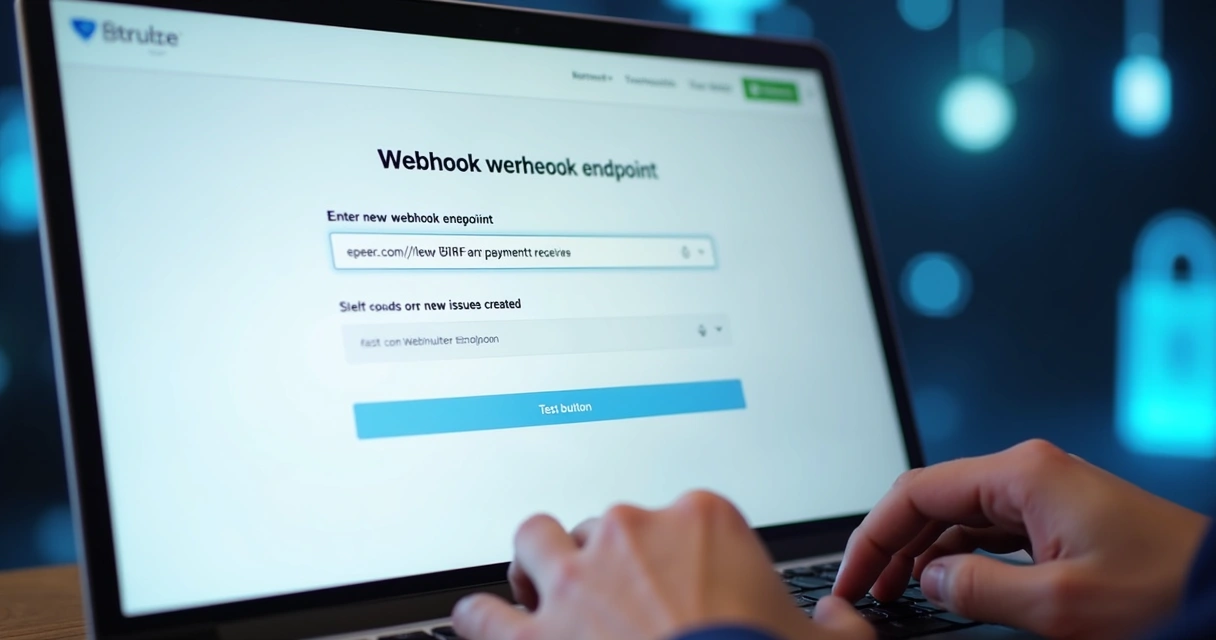
- A place to send the info. Usually this is a URL or endpoint your dashboard, database, or reporting tool can accept data from.
- Some way to handle the data on arrival (even if this is just letting Octobox or another tool interpret and display it for you)
The process usually looks like this:
- Sign in to the source platform and find the “webhook” or “integration” menu.
- Paste the destination URL or endpoint. Sometimes you can choose what data to include, too.
- Test the setup. Most modern tools give you a button to “send a test,” so you can confirm everything lands as expected.
If you want even more step-by-step advice, I once gathered several guides and tricks in a post about easy dashboard integrations for non-technical users.
Security tips you shouldn’t skip
I’d be lying if I told you webhooks didn’t have pitfalls to watch for. Since these endpoints accept data sent across the internet, they have to be protected. Here’s what I always advise people to check:
- Always use HTTPS. Never accept data at a URL without encryption, or else you risk having sensitive info intercepted.
- Add authentication. Many platforms let you specify a secret key with each request, or a header that proves the data came from a trusted source.
- Support digital signatures. For very sensitive workflows, set up HMAC verification, so you can double-check that the payload wasn’t tampered with.
- Defend against replay attacks. Use one-time tokens or timestamps that expire quickly, so old messages can’t be reused or forged.
If you want to see even more about practical security, there’s an old guide in my archive of webhook implementation stories.
Real-world scale: When data needs to move fast
Maybe the most thrilling thing about using webhooks for me is how they scale so well. Even for very large data flows or high-frequency events, the sender just pushes notifications out as things happen, with no burden of waiting for a nighttime batch job. When I read through the Data.gov metrics dashboard, I’m struck by how modern platforms are seeing millions of users hit their endpoints each month—and manual syncs just couldn’t keep up with this.
In government and research, things are similar. API infrastructure like what’s discussed in the U.S. Bureau of Labor Statistics API overview enables real-time reporting, and teams making use of event-driven architecture—either by webhooks or modern APIs—almost always offer fresher data to their stakeholders. Health data integration at scale, as described in the HHS Developers’ Center, follows this pattern too: immediate signals, fewer manual reports, and more accurate public dashboards.
If data transparency is something you care about, new dashboards, like the ones highlighted in Digital.gov's announcement of Data.gov’s metrics tools launch, show just how public-facing data is getting faster and more accessible—often powered by little more than smart event-based triggers connecting pieces in the background.

Conclusion: Taking the first step toward smarter data
In my years helping organizations make sense of their systems, nothing has boosted the clarity and punctuality of data like webhooks. If you’re trying to build a setup where sales, support, and finance are never out of sync, or just want one view for everything that matters, event-driven notifications are a game changer.
With solutions like Octobox lowering the barrier, you honestly don’t need deep technical skills. You just need to ask: What events do I care about? Where do I want them to show up? The rest is a handful of clicks and a sprinkle of testing.
If you’re ready to see your data come alive—across dashboards, graphs, and tables, even if you aren’t a developer—Octobox is all about turning your real-world data signals into instant insights. Discover how you can connect and control your workflows with fewer technical barriers by trying out Octobox for yourself today.
Frequently asked questions
What is a webhook and how does it work?
A webhook is a way for one application to send automatic, real-time data to another system when a certain trigger event happens. Instead of constantly checking for updates, the receiving system simply waits until the sender pushes new info. This supports live notifications, instant data flow, and smoother automation between your favorite apps.
How do I set up a webhook?
To set up a webhook, you usually need to log into the app where the event will happen (like a payment processor or ticket system), find the integration or webhook section, and enter the URL of the receiving system (such as your dashboard or analytics tool). You then specify which events should send notifications, save the setup, and test it to confirm data comes through as expected.
Are webhooks secure for data integration?
Webhooks can be very secure if you follow best practices: use encrypted (HTTPS) endpoints, add shared secrets or authentication headers, verify message signatures, and reject requests that arrive with invalid or expired tokens. By following these steps, you reduce risks from bad actors and prevent unwanted data leaks.
What platforms support using webhooks?
Most modern business tools, including popular CRMs, payment platforms, ticketing systems, and even cloud development platforms, have support for sending or receiving webhooks. If you use Octobox, you can connect a wide range of sources this way—even if some users aren’t technical.
Can I test a webhook before deploying?
Yes, almost every tool that offers webhook integration provides a “test” button or feature to simulate sending data before you go live. This lets you see what the data looks like, check for errors, and make sure your destination is processing the info as you expected.